Log inSign up
Apple Support
1.6M posts
user avatar
Apple Support
@AppleSupport
Tips and how-tos—straight from Apple.
Cupertino, CA
apple.co/GetHelp
Joined June 2015
31
Following
1.6M
Followers
  • user avatar
    Apple Support
    @AppleSupport
    Mar 3
    If you forget your Apple Account password, you can reset it using a trusted device. Learn more about how to reset your Apple Account password: apple.co/4l3vraJ

    Forgot your Apple Account password?
    90K
  • user avatar
    Apple Support
    @AppleSupport
    Feb 13
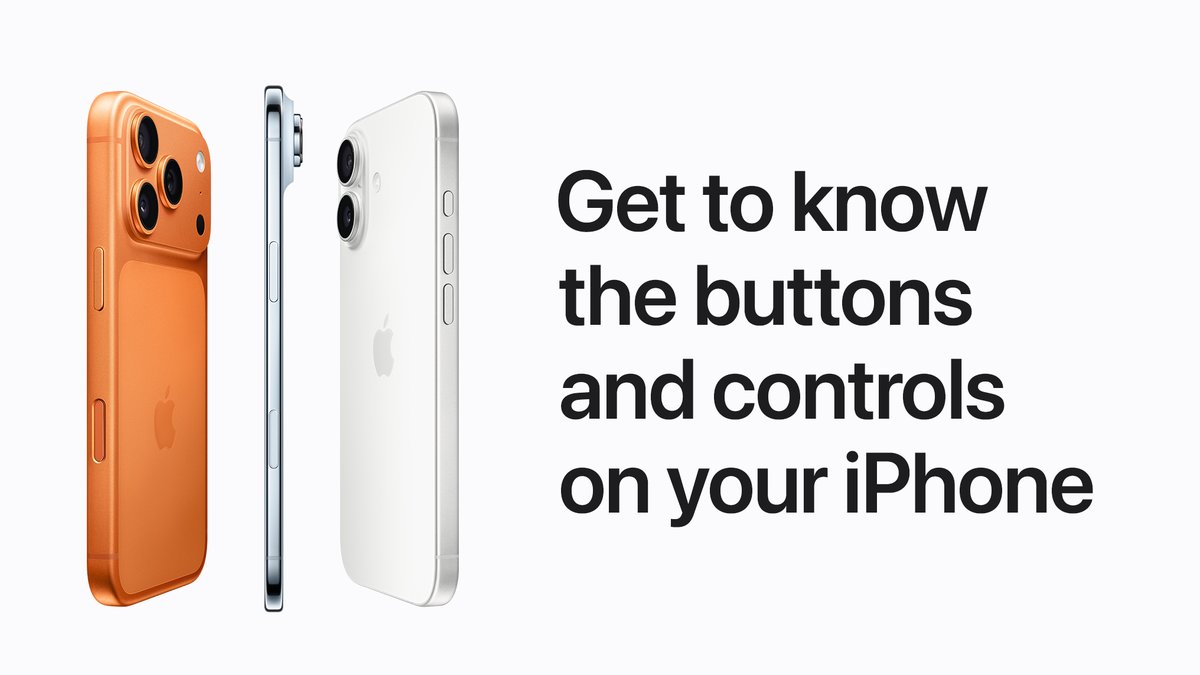
    The physical buttons on your iPhone all perform different functions, and some can even be customized. Learn more about the buttons on your iPhone: apple.co/4rjiCeV
    Get to know the buttons and controls on your iPhone. An iPhone 17 Pro, iPhone Air, and iPhone 17 are displayed in side profiles that feature Camera Control, side button, volume buttons, and Action button.
    79K
  • user avatar
    Apple Support
    @AppleSupport
    Feb 2
    You have better things to do than wait on hold. 📞 You can use Hold Assist to notify you when a live agent is available. Learn more: apple.co/4sbSRy3
    Use Hold Assist on iPhone. The Phone app is shown on iPhone with a Hold Assist notification that reads \u201CHold this call? You\u2019ll be notified to pick up.\u201D
    74K
  • user avatar
    Apple Support
    @AppleSupport
    Jan 23
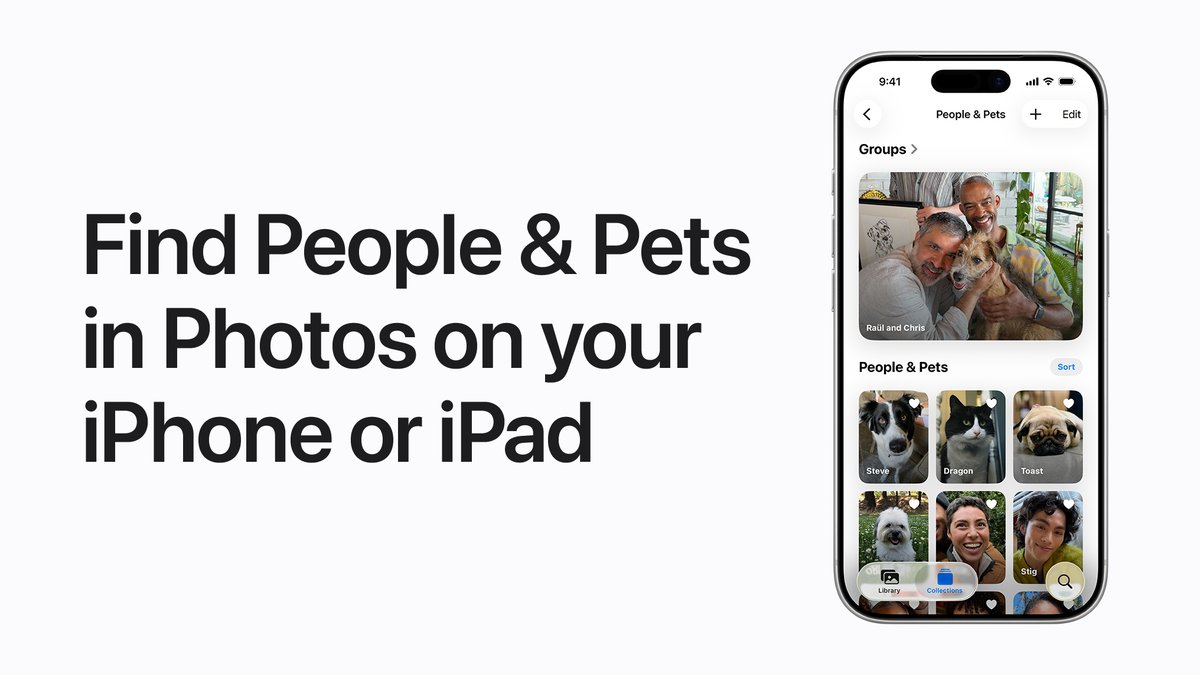
    👵🏼 Your grandma 👨🏾‍🦱 Your dad 🐶 Your best friend The Photos app recognizes the faces of people and pets in your photos, and organizes them together in the People & Pets collection so you can easily find them in the future. Learn more: apple.co/4k1VMFU
    Find People & Pets in Photos on your iPhone or iPad. The Photos app is open on iPhone to the People & Pets collection. A large photo on the top half of the screen features two men and a dog. On the lower half of the screen, multiple photos of pets and people are shown.
    57K
  • user avatar
    Apple Support
    @AppleSupport
    Jan 12
    Workout Buddy encourages you during workouts and lets you know when you hit a new milestone or break your own personal bests. 🏃🏽🚴🏿‍♂️ Learn more: apple.co/49zy6Ug
    The message “That was your fastest 5K ever!” appears with the Workout Buddy icon.
    59K
  • user avatar
    Apple Support
    @AppleSupport
    Jan 5
    You can transfer your personal data to your new iPhone or iPad from a backup that you made in Apple Devices, the Finder, or iTunes. Learn more: apple.co/49okHOK
    Use the Finder, Apple Devices, or iTunes to transfer data to your new iPhone or iPad. The icons for the Finder, Apple Devices, and iTunes are displayed below.
    60K
  • user avatar
    Apple Support
    @AppleSupport
    Dec 31, 2025
    Your new iPhone or iPad, set up just the way you like it. 🤩 Here’s how to use your previous iPhone or iPad to automatically set up your new device with Quick Start and iCloud.
    00:00
    58K
  • user avatar
    Apple Support
    @AppleSupport
    Dec 29, 2025
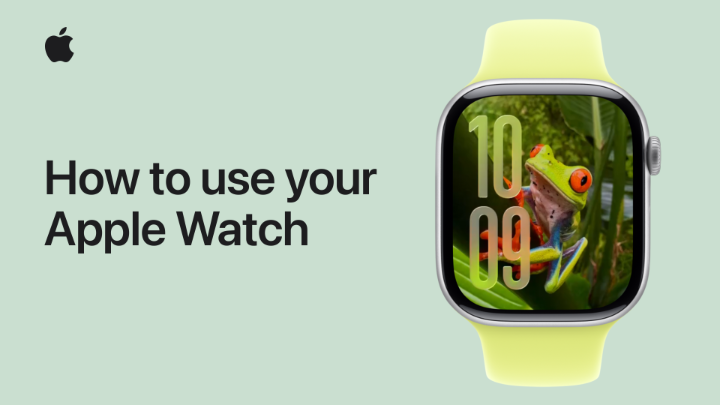
    Get to know your new Apple Watch and watchOS 26. 🤩 Here are a few helpful tips.
    00:00
    52K
  • user avatar
    Apple Support
    @AppleSupport
    Dec 27, 2025
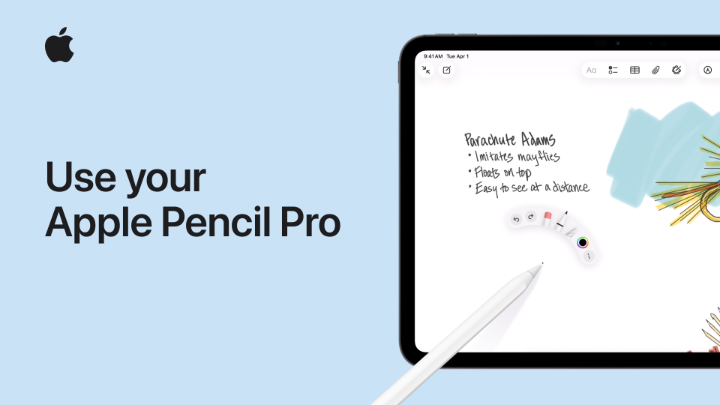
    Learn more about the features and settings of your Apple Pencil Pro. Here’s everything you need to know.
    00:00
    43K
  • user avatar
    Apple Support
    @AppleSupport
    Dec 26, 2025
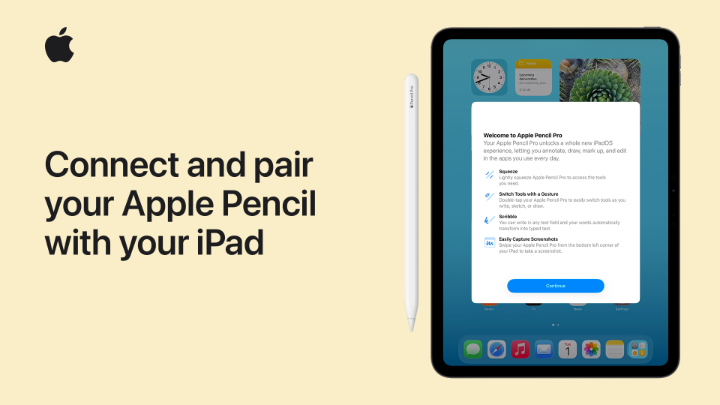
    🙂 iPad 🤩 iPad and Apple Pencil Do more with your iPad with Apple Pencil. Here’s how to pair and connect them.
    00:00
    38K
  • user avatar
    Apple Support
    @AppleSupport
    Dec 23, 2025
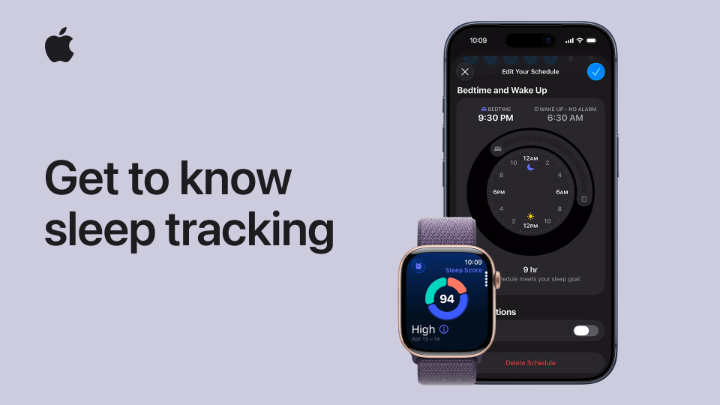
    Set sleep goals, get reminders when it’s time for bed, and find out how well you’re sleeping using your iPhone and Apple Watch. Here’s how.
    00:00
    36K
  • user avatar
    Apple Support
    @AppleSupport
    Dec 19, 2025
    You can access multiple email accounts in the Mail app on your iPhone. Here’s how to add an account.
    00:00
    57K
  • user avatar
    Apple Support
    @AppleSupport
    Dec 8, 2025
    If you’re blind or have low vision, Magnifier for Mac can make it easier to read a whiteboard, follow along with a presentation, or enlarge the text in a book. #AppleAccessibility Here’s how it works in #macOSTahoe: apple.co/3YgURqM
    Use Magnifier on Mac. A person sitting at a desk with a MacBook Pro in front of them. To their left, an iPhone rests vertically on a phone stand with the back-facing camera pointing at a book. On the screen of the MacBook Pro, Magnifier is displaying the words from the book with large text on a black background with white lettering. The passage is a paragraph from Odyssey, the ancient Greek literature attributed to Homer.
    44K

New to X?

Sign up now to get your own personalized timeline!

Create account

By signing up, you agree to the Terms of Service and Privacy Policy, including Cookie Use.

Terms of Service|Privacy Policy|Cookie Policy|Accessibility|Ads info|© 2026 X Corp.
Don't miss what's happening
People on X are the first to know.
Log inSign up
✕

Wait! Don't Go Yet 🚀

Get our FREE eBook "10 Programming Tips That Changed Everything" when you subscribe!

No spam. Unsubscribe anytime.