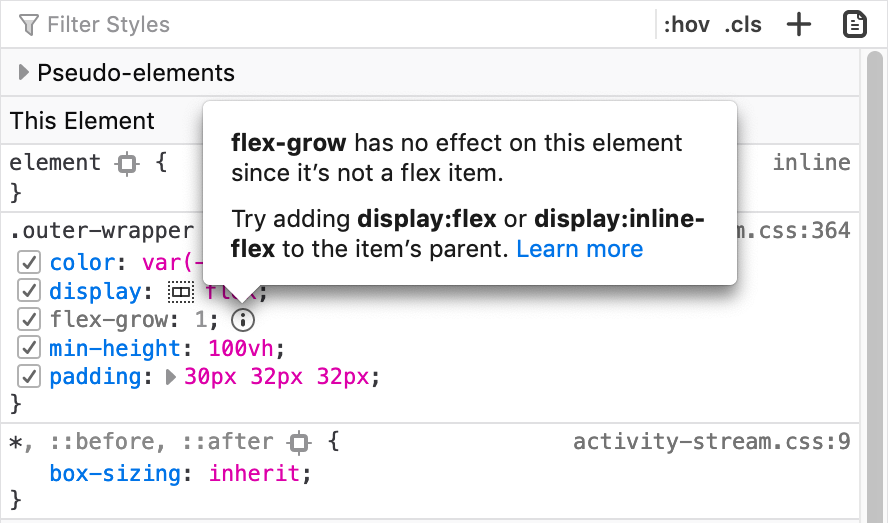
🌅 Now in Beta: Inactive CSS!
We show you which CSS properties aren’t affecting the selected element and why.
(Has this saved you time already? We love hearing from you and seeing screenshots!)
—@violasong
mozilla.org/en-US/firefox/…
Official account. Follow for latest news, features, tips and more.
Shape the future of DevTools, participate: goo.gle/devtools-ux-re…
- Rerunning code that declare let-variables no longer cause failures in DevTools console. We hope this makes trying out code more convenient!
GIF - Tip: Run copy(obj) in the Console to copy an object to your clipboard.
GIF - Introducing Puppeteer: A modern Node.js API for headless Chrome. Built with ❤️ by the Chrome team. github.com/GoogleChrome/p…
- It's almost here: CSS grid tooling! 🤘 Over the last couple of months, we teamed up with @EdgeDevTools to work on this highly-requested feature. Here is a sneak preview. We have many more ideas on how to make grids easier and more accessible in the future – stay tuned!
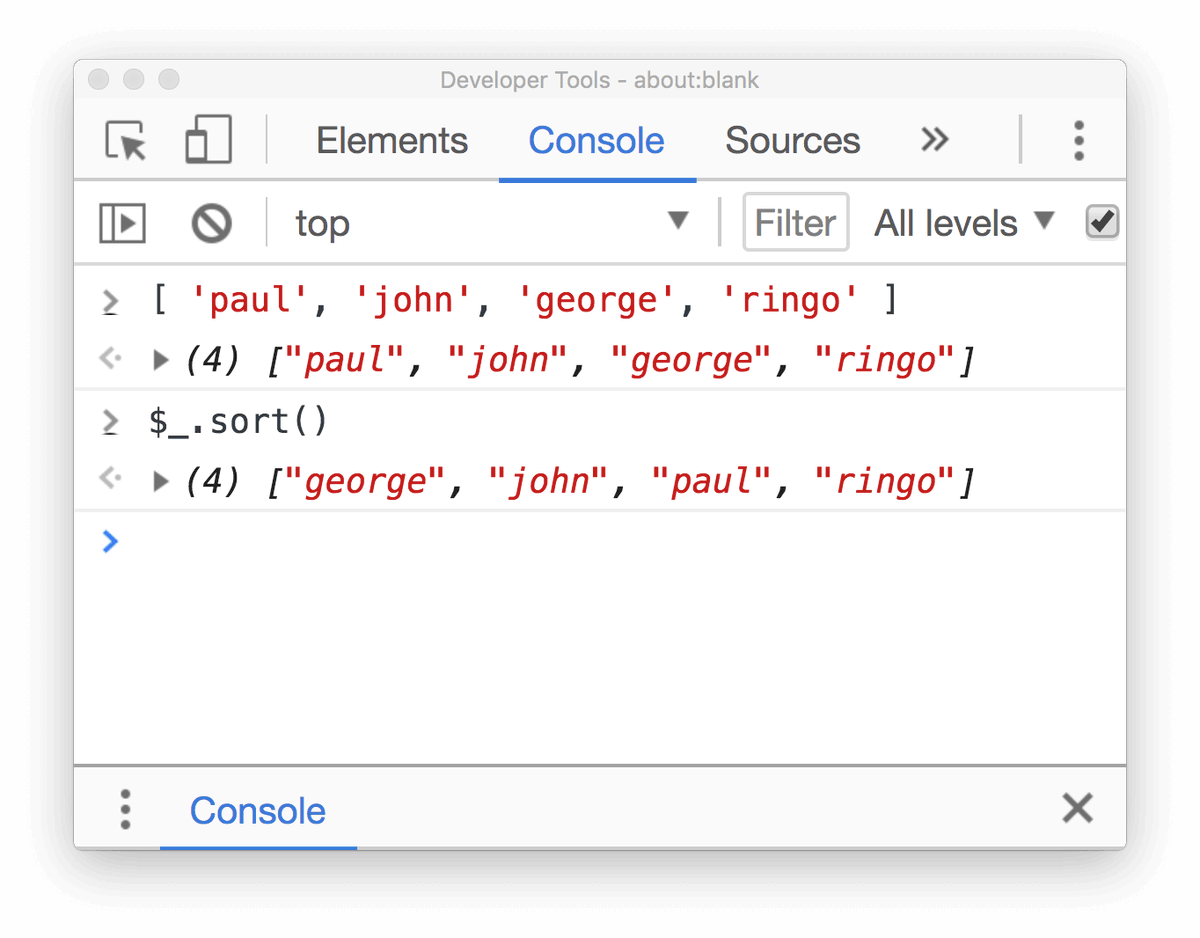
00:00 - Tip: Type $_ in the Console to return the value of the last evaluated expression.
- Now in Canary: Capture screenshots of specific HTML nodes
GIF - Now you can right click on a node in Elements panel and capture the node screenshot! 📸 Like it? Freshly landed on Chrome Canary. Update and give it a try! 🔥
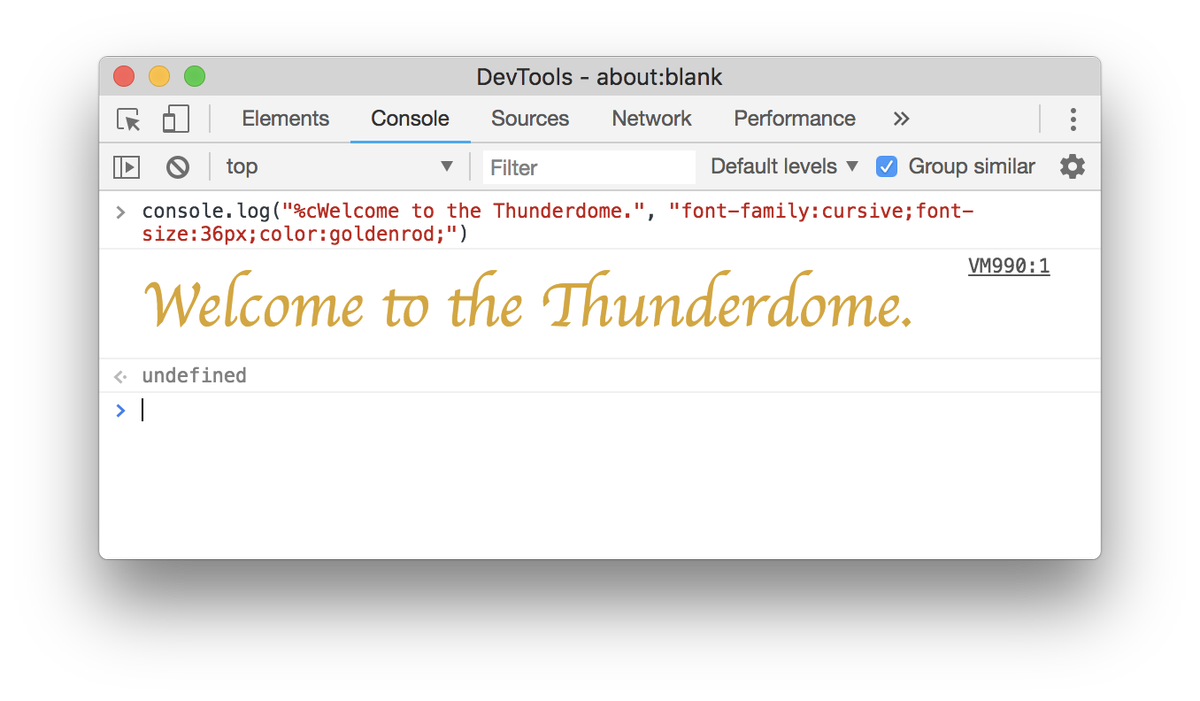
- Tip: Format your console.log statements by prepending your text with "%c" and passing a second argument that contains the CSS styles.
- New feature in Chrome 73: Logpoints. Log messages to the Console without cluttering up your code with console.log() calls.