
Qoder CLI
Qoder's native way of working in the terminal

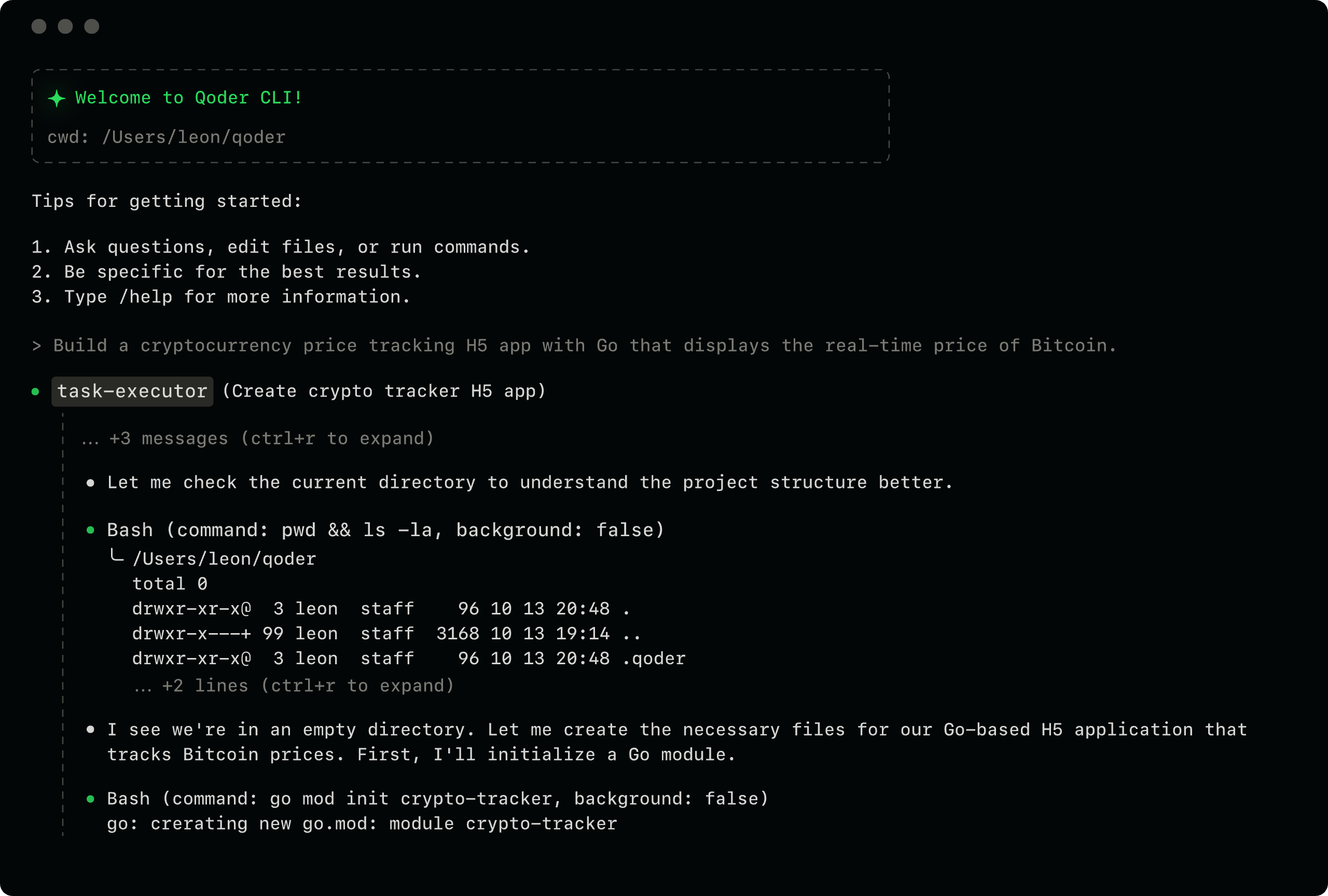

Terminal-native, AI-powered
Work with Qoder around your codebase from the terminal.Turn ideas into working software - from building and debugging to shipping.
curl -fsSL https://qoder.com/install | bashirm https://qoder.com/install.ps1 | iexcurl -fsSL https://qoder.com/install.cmd -o install.cmd && install.cmdEngineering in the Terminal
One agent, wherever you code
Lightweight and instant, anywhere you need it
Ultra-fast startup (<70ms). Fix issues or review code directly in any terminal-no IDE required.
Automation-first workflow orchestration
Deeply integrated with CI/CD pipelines for automated code review, test generation, and issue fixing.
Deeply embedded into any toolchain
Invoke agents from scripts, compose workflows via pipelines and extend Qoder capabilities to any editors
Context-aware intelligent code review
Trigger reviews via comments, get instant answers, and apply fixes automatically.
Integrated capabilities
Build custom AI coding workflows with Qoder Agent SDK. Stream agent responses, control tool permissions, connect MCP servers, and embed Qoder's code understanding, editing, and automation capabilities into your own apps.
SDK
Build custom AI coding workflows with Qoder Agent SDK. Stream agent responses, control tool permissions, connect MCP servers, and embed Qoder's code understanding, editing, and automation capabilities into your own apps.
SDK Docs